

Check KB5063709



Posted 13 August 2025 - 11:48 AM
Check KB5063709

Posted 13 August 2025 - 01:40 PM
That what i installed this morning..... unfortunately, still not showing the option..... any other ideas?
Posted 13 August 2025 - 03:50 PM
Sorry, I wouldn't have an idea. Microsoft is rolling out the ESU wizard in stages but it is supposed to be widely available by Mid-August. You still have a couple of months.
In the below link it shows the prerequisites for ESU. Now I don't know if that means also prerequisites for the ESU wizard itself.
You must be logged in using a Microsoft Account and the Account must be an administrator account.
Cat Herder

Posted 29 August 2025 - 06:59 PM
Hate Windows 11? Windows 10’s extended updates Enroll button is slowly rolling out, says Microsoft
I-7 ASUS ROG Rampage II Extreme / ASUS TUF Gaming F17 / I-7 4770K ASUS ROG Maximus VI Extreme / i-7 14700KF ASUS Prime 790-P WIFI
Posted 29 August 2025 - 07:38 PM
The link states
Microsoft has two different ESU programs. One is for regular customers, and another is for enterprises. As a regular consumer, you can pay $30 to buy the ESU package and use it with a local account (no Microsoft account is needed).
But according to the below article a person needs a Microsoft account even if one pays the $30. Really confusing.
Also mentioned here
Posted 29 August 2025 - 07:50 PM
I just got it yesterday. It seems you need to instal the cumulative update preview KB5063842 (found that out on another websote). Then appeared shortly after. You don't need to be signed into a microsoft account to be offered it, but you do need to be signed in to enrol. Then you can sign out again. From what I've read though (AI so not sure how correct) you need to sign into the MS account every 21 to 22 days to keep it active if you use a local account.
When I enrolled it didn't cost anything. I had 1000 microsoft reward points and was going to use those to sign up but I got it free anyway I can only think it's because I had syncing turned on because I don't use Onedrive and it was uninstalled.
To get it free you either need 1000 Microsoft Reward Points, or use Windows Backup (syncing on). Otherwise it's $30. It gives you the option.
Edited by Charlie7000, 29 August 2025 - 07:55 PM.
Cat Herder
Posted 29 August 2025 - 08:00 PM
Thanks @Charlie7000
Yes I can not see them stop Local Account unless disable the Option. Though every 21 to 22 days to keep it active is strange. Why not 7 days before Pat h Tuesday.
Then they never do anything that is expected or normal////lol
I-7 ASUS ROG Rampage II Extreme / ASUS TUF Gaming F17 / I-7 4770K ASUS ROG Maximus VI Extreme / i-7 14700KF ASUS Prime 790-P WIFI
Posted 30 August 2025 - 08:50 AM
I am not sure that information is correct anyway about having to sign in every 22 days. It was from google AI! Who now says you can sign out of the MS account once you've enrolled because the enrollment is tied to the device. It is tied to the device ID. However, when you enroll it also says you've enrolled with that Microsoft account. All very confusing. When I went to enroll another computer it came up saying your microsoft account is enrolled for ESU would you like to add this device (because you can apparently add up to 10 devices).
Posted 30 August 2025 - 09:17 AM
The sign in every 22 days is from this Microsoft Learn article but maybe it's just for business/enterprise? It is mentioned under Cloud 365 PC's and something about Microsoft Entra
"The user must sign in to the Windows 10 device using their Microsoft Entra ID account at least once every 22 days to maintain ESU access."
https://learn.microsoft.com/en-us/windows/whats-new/enable-extended-security-updates
There is a link near the top of this page to the consumer section doesn't say anything about signing in every 22 days (but then the "Learn more" link near the bottom of the consumer page doesn't work!). But it does sound like you can just sign out of the Microsoft account and use a local account. If you want to add esu to another device, presumably you'd have to sign in again.
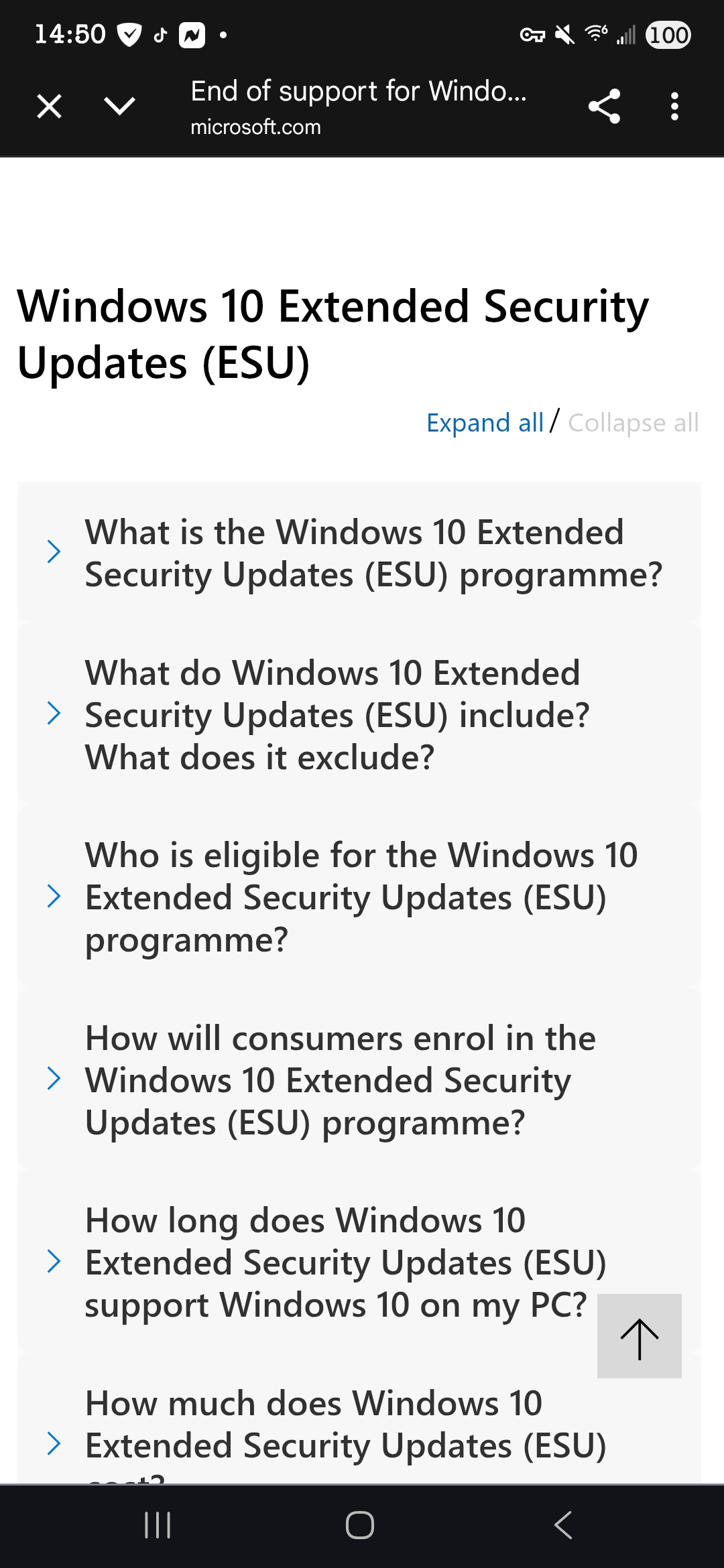
https://www.microsoft.com/en-GB/windows/end-of-support
Near the bottom of the page
"Keep your device secure
Extended Security Updates (ESU) will ensure your Windows 10 PC continues to receive important security updates until 13 October 2026.
Edited by Charlie7000, 30 August 2025 - 09:25 AM.
Bleepin Madman

Posted 30 August 2025 - 09:51 AM
Posted 30 August 2025 - 10:46 AM
As long as you meet all the requirements and have the correct updates installed, this should enable the option to sign up the ESU Updates if you are not seeing the option under Windows Updates. Worked for me like a charm. Found in another forum.
Bleepin Madman
Posted 30 August 2025 - 10:56 AM
Posted 30 August 2025 - 11:17 AM
As long as you meet all the requirements and have the correct updates installed, this should enable the option to sign up the ESU Updates if you are not seeing the option under Windows Updates. Worked for me like a charm. Found in another forum.
Here is a way to force enable “Consumer ESU Feature”:all commands must be executed in Command Prompt as administrator– install update 2025-08 KB5062649 (19045.6159) Previewit may work with update KB5062554 (19045.6093), but i didn’t test– check registry to see the current state:reg.exe query "HKCU\SOFTWARE\Microsoft\Windows NT\CurrentVersion\Windows\ConsumerESU"if “ESUEligibility” value is non-zero “0x0”, then the feature is already enabled– make sure “Connected User Experiences and Telemetry” (DiagTrack) service is not disabledsc.exe config DiagTrack start= autosc.exe start DiagTrack– add the following registryreg.exe add "HKLM\SYSTEM\CurrentControlSet\Policies\Microsoft\FeatureManagement\Overrides" /v 4011992206 /t REG_DWORD /d 2 /f– restart the system– run the evaluation:cmd /c ClipESUConsumer.exe -evaluateEligibility– check registry to see the result:reg.exe query "HKCU\SOFTWARE\Microsoft\Windows NT\CurrentVersion\Windows\ConsumerESU"verify that “ESUEligibility” value is non-zero “0x0”– “ESUEligibility” value mapping:0: Unknown / Feature is not enabled1: Ineligible2: Eligible3: DeviceEnrolled5: MSAEnrolled8: LoginWithPrimaryAccountToEnroll– “ESUEligibilityResult” value mapping:1: Success3: Non-Consumer edition4: Commercial device5: Non-Admin account6: Child account7: User Region is Embargoed8: Azure device11: Unknown / Feature is not enabled# p.s.You can also use ViVeTool to enable the feature (19045.6036 update at least + DiagTrack service enabled)ViVeTool.exe /enable /id:57517687
I actually followed that tutorial recently when I hadn't received ESU despite all latest updates. It does work and enrolled me and it showed in Windows update that it was enrolled. However, I wasn't keen on having done things in the registry, so I then did a clean install. Only to find that this removed the ESU again.
After my clean install and doing cumulative update preview KB5063842, the invitation to enrol then just appeared on its own. When I went to enrol it said my microsoft account was already enrolled and would I like to add this device - which I did. So it seemed to see it as a different device after a clean install.
I would suggest just waiting for it to appear naturally.
Posted 30 August 2025 - 12:14 PM
Microsoft took down this archive.org page and instead we get a page with confusing info. In the link you can see the prerequisites. I don't know if this has been changed but we'll find out in Oct. Personally, I'm not worried about it because I'm moving to linux as none of my PCs are compliant.


0 members, 1 guests, 0 anonymous users
 Back to top

